What happens in a SmartTutor lesson
Every lesson is built the way a good tutor teaches: show the idea, let the child work it out, then check that it stuck.
A teacher at the chalkboard
Each lesson opens with a short video. The teacher your child picked explains the big idea while the chalkboard writes along with every word, so kids can see and hear it at the same time. Each intro is recorded once and replayed, so it loads quickly.
- Lifelike teacher video
- Chalkboard that writes in step with the narration
- In English, Spanish or Chinese
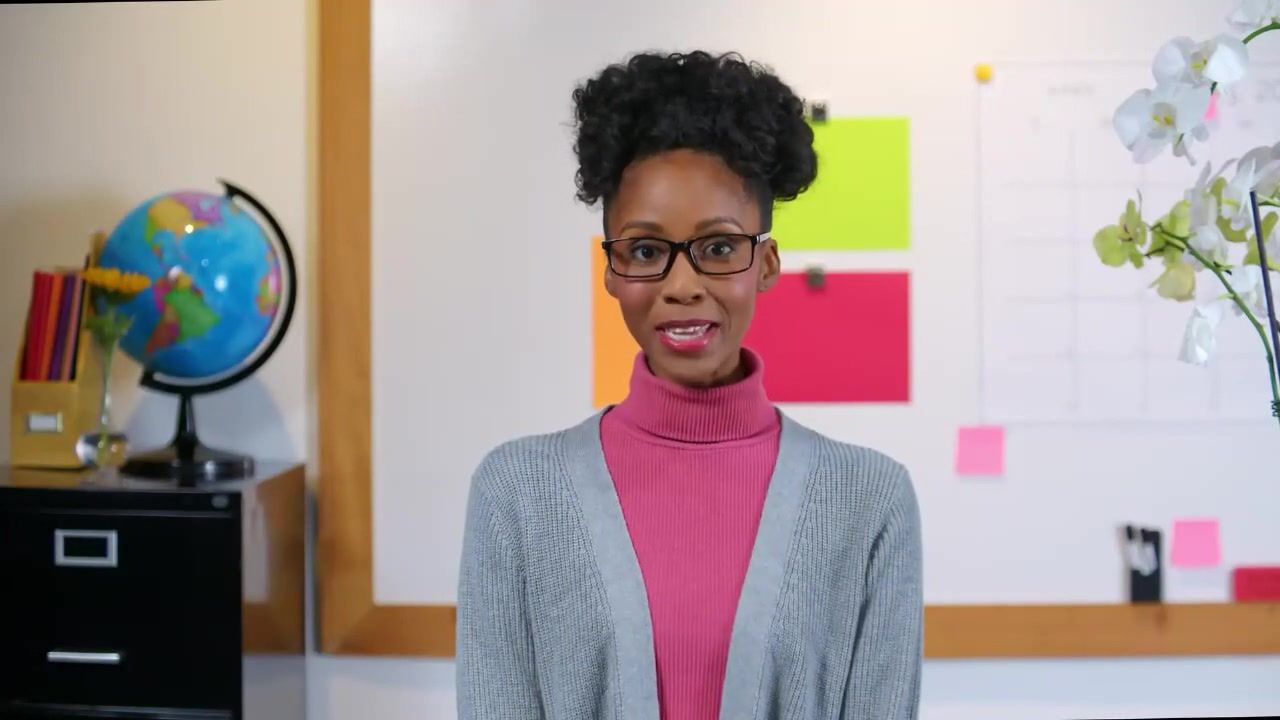
A tutor that asks instead of tells
Then your child works through the idea with the AI tutor. It asks one question at a time, breaks hard problems into small steps and gives hints. It only shows a full solution after two honest tries, and then it gives a similar problem to try right away.
- One question at a time
- Explanations matched to the child's grade
- Examples built around your child's interests
Kids can talk, and the teacher talks back
Kids who would rather speak than type can tap the microphone and say their answer. They see what was heard before they send it. The teacher reads every reply aloud in their own voice, and the sound can be turned off.
- Spoken answers, up to a minute
- Every reply read aloud
- Mute any time
A mastery check that proves it
When your child is ready, a five-question check uses brand-new questions every time. Four out of five masters the lesson and opens the lessons that build on it. Kids who already know the material can take the check straight away and move on.
- New questions on every try
- 80% to pass
- Mastered lessons unlock the next ones
A dashboard for grown-ups
Parents see each child's progress at a glance: lessons mastered and in progress, total learning time, day streak and average mastery score.
- Up to 10 kids per family
- Progress for each child
- Continue where they left off
Built for children
- The tutor stays kind, age-appropriate and on the lesson.
- It never asks for or repeats personal details like a full name, address or school.
- It never shares links or sends kids to other websites or apps.
- If a child seems upset or unsafe, it tells them to talk to a trusted adult.
- If asked, it says it's an AI tutor.
Give your child a tutor who never runs out of patience
Set up a free family account in two minutes. Add up to 10 kids, pick a teacher for each, and start a lesson today.
Free during beta. No credit card.